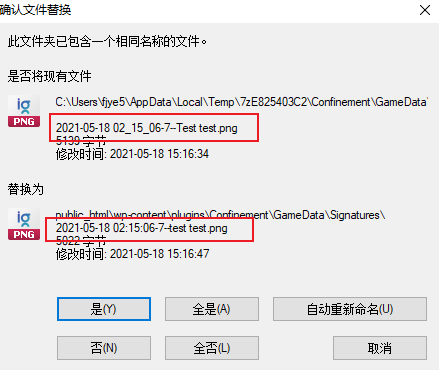
On Windows 10, when using 7z to extract a zip file, if there is a file overwrite issue, it may be due to a case sensitivity problem with file names. The zip file was created on Linux, where file names are case sensitive, while Windows 10 by default is case insensitive. However, on Windows 10, it is possible to configure certain directories to be case sensitive.
To check if a directory supports case sensitivity, run the following command in cmd: fsutil file queryCaseSensitiveInfo <path>
To enable case sensitivity for a directory, run: fsutil file SetCaseSensitiveInfo <path> disable
To disable case sensitivity for a directory, run: fsutil file SetCaseSensitiveInfo <path> enable